
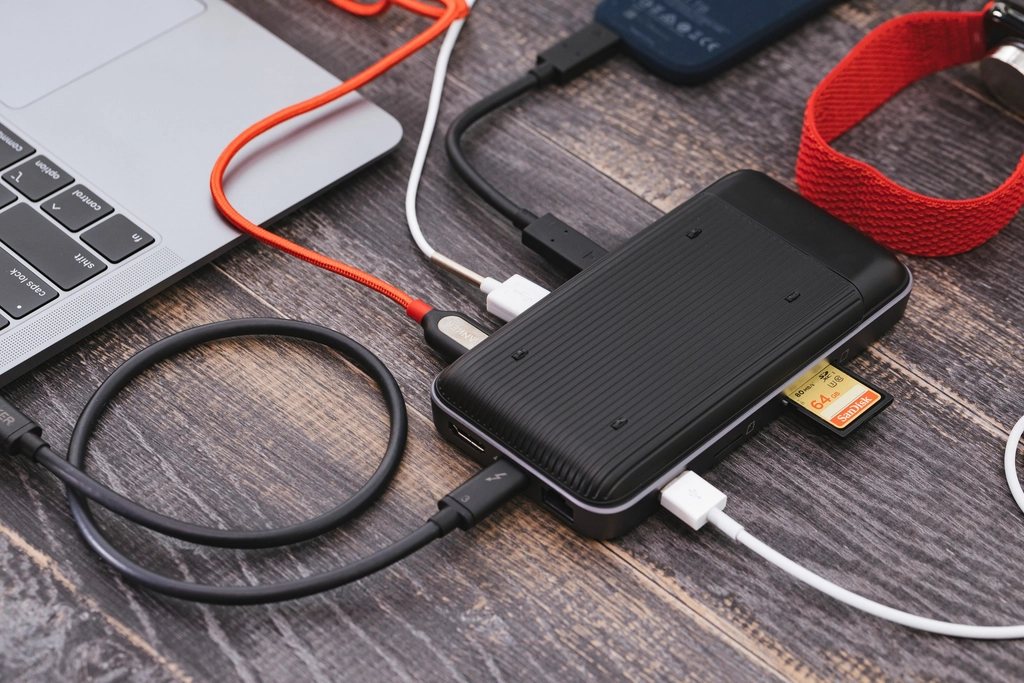
Every photographer we know has a story about losing pictures, and the stories are all different. A drive that clicked and died. A card that formatted itself. A laptop stolen from a car. A house fire. A cloud account closed for non-payment. What the stories have in common is that the person thought they had a backup, and they did not, or not one that covered that particular disaster. This article explains the 3-2-1 rule, which is the standard answer, and then looks at what actually goes wrong in practice.
The rule in one paragraph
Keep three copies of every file, on at least two different kinds of storage, with one copy somewhere else. Three copies means the original plus two backups, so that a single failure still leaves you with redundancy. Two kinds of storage means that a fault common to one type, such as a firmware bug in a run of drives, does not take out every copy. One copy off site means that a fire, flood or burglary at your home or studio does not take out every copy either. The rule is simple enough to explain in a sentence and hard enough that most people do not actually follow it.
What fails: the drive
Hard drives fail. Not might fail: will fail, on a timescale of years, and often with no warning. Solid state drives fail too, less often mechanically but sometimes more abruptly, and a dead SSD is far harder to recover than a dead spinning drive. The lifespan figures published by large data centres suggest annual failure rates of a few percent, which sounds small until you multiply it by the number of drives you own and the number of years you intend to keep the pictures. Assume every drive you own will die and plan accordingly, and never let the newest drive be the only place a shoot lives.
The practical answer is to replace drives on a schedule rather than waiting for them to die. We retire working drives at around five years, copy the contents to a new one and keep the old one as an extra cold copy until it is clearly obsolete. Check the health data the drive reports, and take any warning seriously. A drive that has started reporting reallocated sectors is telling you it is on its way out.
What fails: the human
More pictures are lost to people than to hardware. Backups that were never run. A synchronisation set up the wrong way round that mirrored an empty folder over a full one. Files deleted by mistake and the deletion faithfully copied to every backup within the hour. The backup drive that lived in the same bag as the laptop when the bag was stolen. The external drive that was unplugged during a copy. None of these are exotic. All of them have happened to someone we know.
Automate everything you can. A backup that depends on you remembering to plug in a drive on Sunday evening will be missed the week you most need it. Use software that runs on a schedule, keeps a version history so that a deleted or corrupted file can be recovered from an earlier state, and reports failures loudly. And test the restore. A backup you have never restored from is a hypothesis, not a backup. Once a quarter, pick a folder at random and bring it back from each copy.
What fails: the cloud
Cloud storage is a good off-site copy and a poor only copy. Accounts get suspended for billing errors, terms change, services close, and the upload of a multi-terabyte archive over a home connection can take weeks. Synchronisation services in particular are not backups: they mirror your working folder, so a mistake on your side is replicated to the cloud within minutes. If the service offers version history, turn it on and understand how long it keeps old versions. If it does not, treat it as convenience rather than protection.
For a true off-site copy, a dedicated backup service that stores versions and charges by the terabyte is the safer choice, and a rotated physical drive kept at a friend’s house or a workplace is the cheaper one. Many of us do both. The physical drive covers the case where the internet is the problem, and the cloud covers the case where the friend’s house is.
What fails: the format and the catalogue
Files that survive intact can still become unreadable if the format is abandoned or the catalogue that made sense of them is lost. RAW formats are proprietary, and while the major ones are well supported, a twenty-year-old file from a discontinued camera is not guaranteed to open in a future editor. Keeping a converted copy in an openly documented RAW container, or a full-resolution TIFF of anything that matters, is cheap insurance. The catalogue database itself, with all your ratings, keywords and edits, is a single file that deserves the same three-copy treatment as the pictures.
- Three copies: the working files plus two independent backups.
- Two media: for example, an internal SSD and an external hard drive.
- One off site: a cloud backup with versioning, or a rotated drive elsewhere.
- Versioned: deletions and corruption must be recoverable from history.
- Tested: restore a random folder from every copy at least quarterly.
A setup that actually works
Here is what we run, as one example rather than a prescription. Working files live on the computer’s internal drive. Every night, backup software copies changes to a large external drive and keeps thirty days of versions. Every night, a separate job sends the same changes to a paid off-site backup service with a year of version history. Once a month, a second external drive is swapped with its twin, which lives at a relative’s house. Cards are not formatted until the first backup has run. Twice a year we restore a shoot from each copy and compare the files.
It is not elegant and it is not free. It costs the price of two external drives every few years and a monthly subscription. Against that, set the value of every picture you have ever made, and the cost of the afternoon you would spend explaining to a client or a family member that the files are gone. The rule is 3-2-1 because that is the smallest arrangement that survives the failures that actually happen.